DevTools
Inspect stores, edit state, time travel and follow actions with the Chrome extension.

The DevTools extension connects to your stores in development so you can see what changes and when.
Install the extension for Chrome
What it does
- Inspect every global store and context in real time.
- Edit state from the panel and watch the app respond.
- Time travel to an earlier state.
- Track actions to see which one changed the state.
- Drive it from a terminal or a coding agent with
rgsh.
Try it on this website
This website is already connected to DevTools. Try the extension on the live demos before adding anything to your own project. You only need the Chrome extension.
- Install the Chrome extension (opens in a new tab).
- Open the homepage demo. Open Chrome DevTools on that tab and select the react-global-state-hooks panel.
- Reload the page with the panel open, then select the profile store.
- Change the name or click a button in the demo. Watch the state update in the panel, then try editing a value there and see the demo respond.
You can also inspect the stores behind the interactive examples. This public demo site intentionally includes the debug integration so you can explore it hands-on. For your own app, keep the integration in development builds as described below.
Connect your app
Import the debug entry once, at the very top of your entry file, before React and before any module that creates a store. It patches the library as stores are created, so stores created before it are not tracked.
// main.tsx
import 'react-global-state-hooks/debug';

import { createRoot } from 'react-dom/client';
import { App } from './App';Open the panel
- Run your app in development.
- Open Chrome DevTools and select the extension’s panel for your tab.
- Reload the page with the panel open. Reloading after the panel exists avoids initial synchronization problems.
- Your stores appear with their names and current state.
Give stores a name option so they are easy to find in the panel.
Drive it from a terminal
react-global-state-hooks, react-hooks-global-states and react-native-global-state-hooks each install an
rgsh command. It talks to the panel, so you can watch actions, read state and change state without leaving
the terminal.
npm i -D ws        # rgsh needs it to talk to the extension
npx rgsh --list    # every store DevTools knows about
npx rgsh --help    # everything rgsh can do
Your app must import the debug entry and the panel must be open on the app’s tab. The port is 7787 by default
and has to match the panel under gear > Terminal connection.
npx rgsh --store todos                        # stream one store's actions and state changes
npx rgsh state todos                          # read a store's state and metadata
npx rgsh action todos add "Write the docs"    # run an action
npx rgsh patch todos '{"filter":"done"}'      # merge JSON into the state
If ws is missing, rgsh tells you and prints the install command.
Use it from a coding agent
A coding agent that can run shell commands can use rgsh on the app you have open in Chrome, so it checks what its
change did instead of guessing from the source.
npx rgsh --list                                    # find the store and its action names
npx rgsh action todos add "Write the docs"         # run it; prints the state changes, then exits
npx rgsh state todos todos[0].done # read the value back- Each
action,patchandsetprints the resulting block (state changes aspath: before → after, the result or the error, and the duration) and exits, so the output is easy to read from a script or an agent. - Exit codes:
0done,1failed (unknown store or action, not allowed, the action threw),2no store given and no terminal,3sent but the page reported nothing within--timeout. - An unknown store name is answered with the stores that do exist.
- Arguments are JSON data and nothing the terminal sends is evaluated.
rgshlistens on127.0.0.1only. rgshworks on store state and actions. It does not click or type in the page.
A tour of the panel
Explore the extension connected to this repository’s playground, from the full panel to individual actions and state changes.
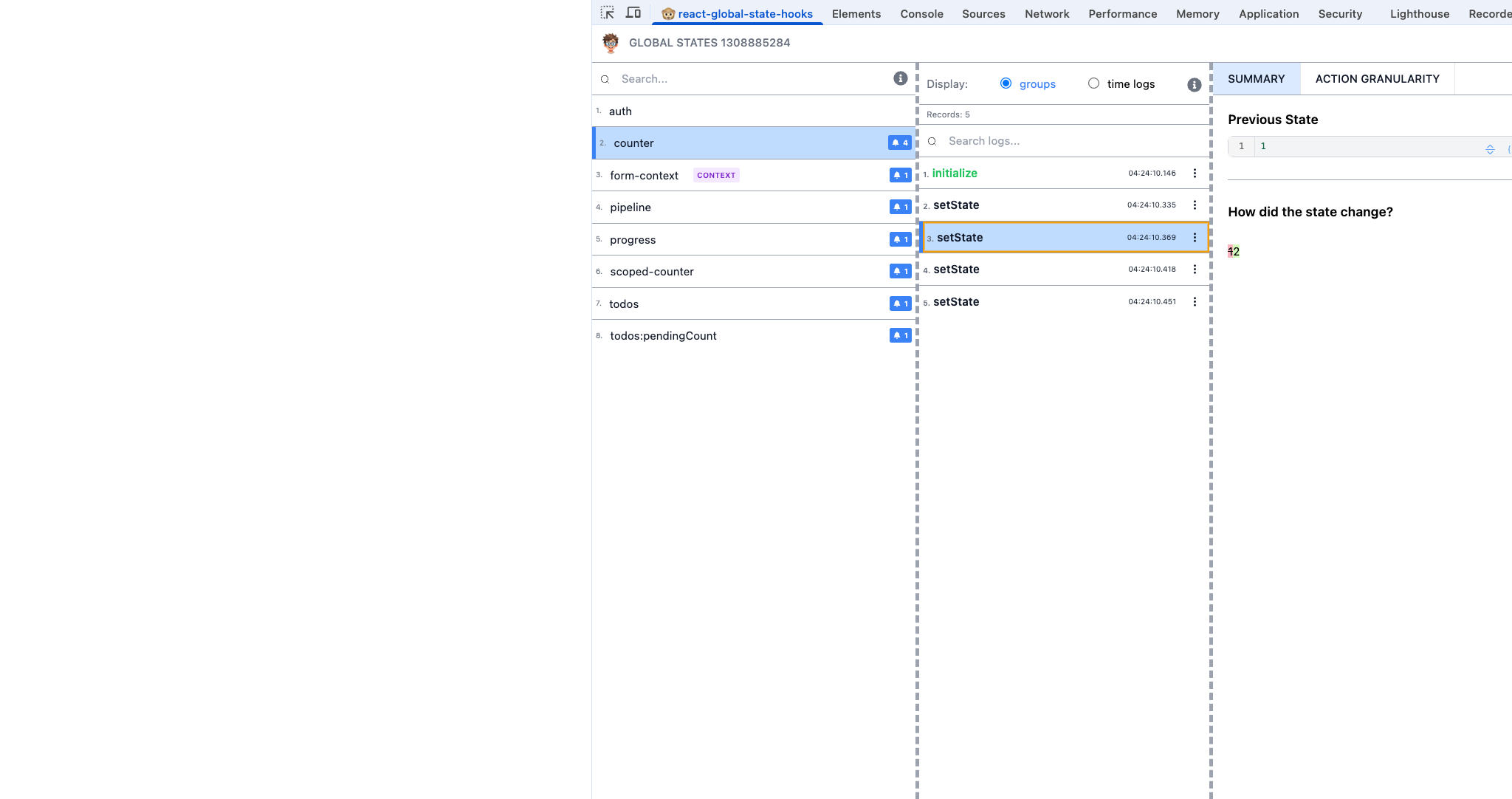
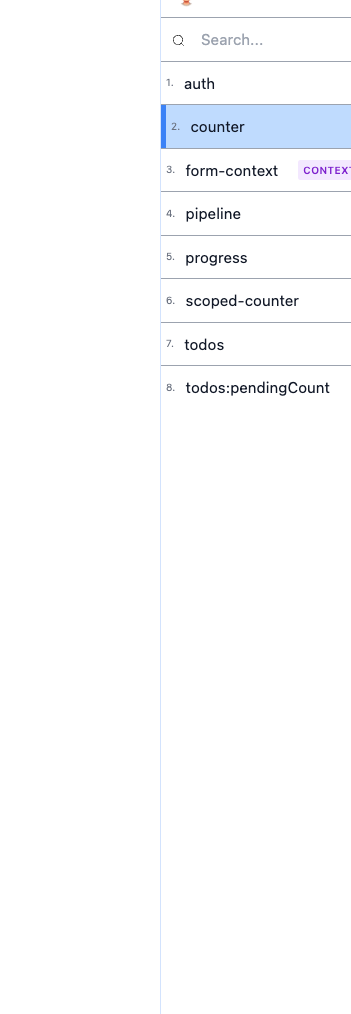
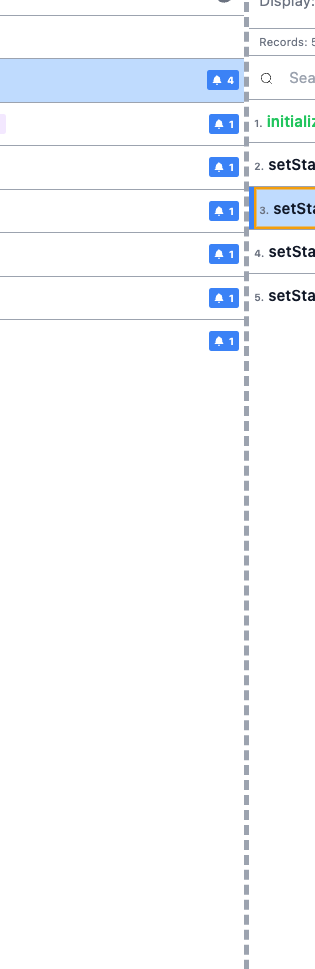
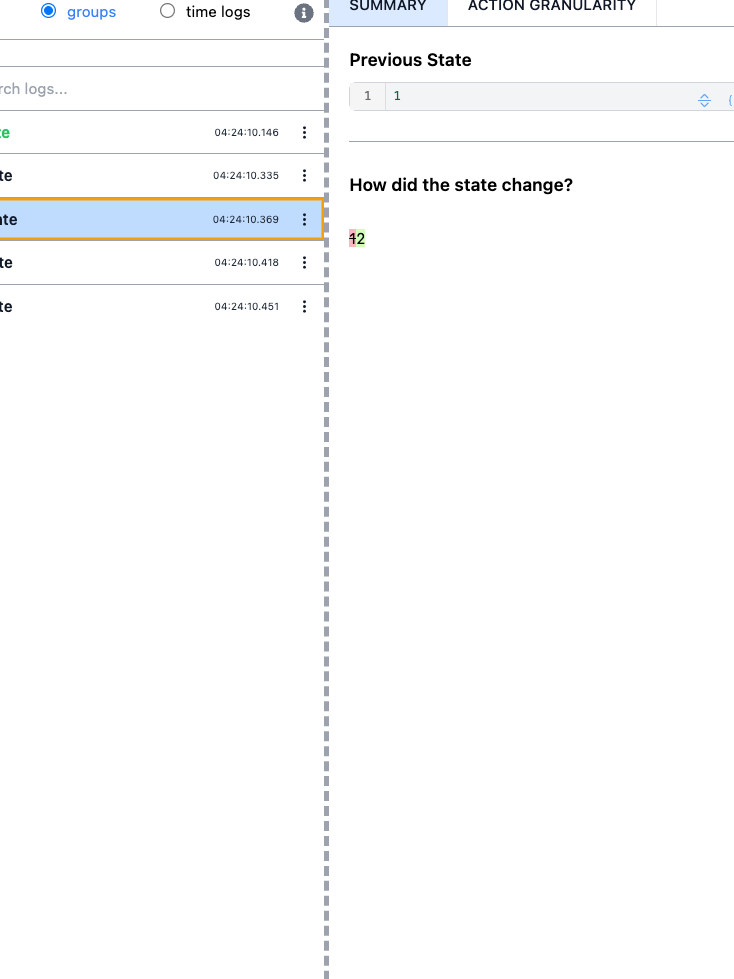
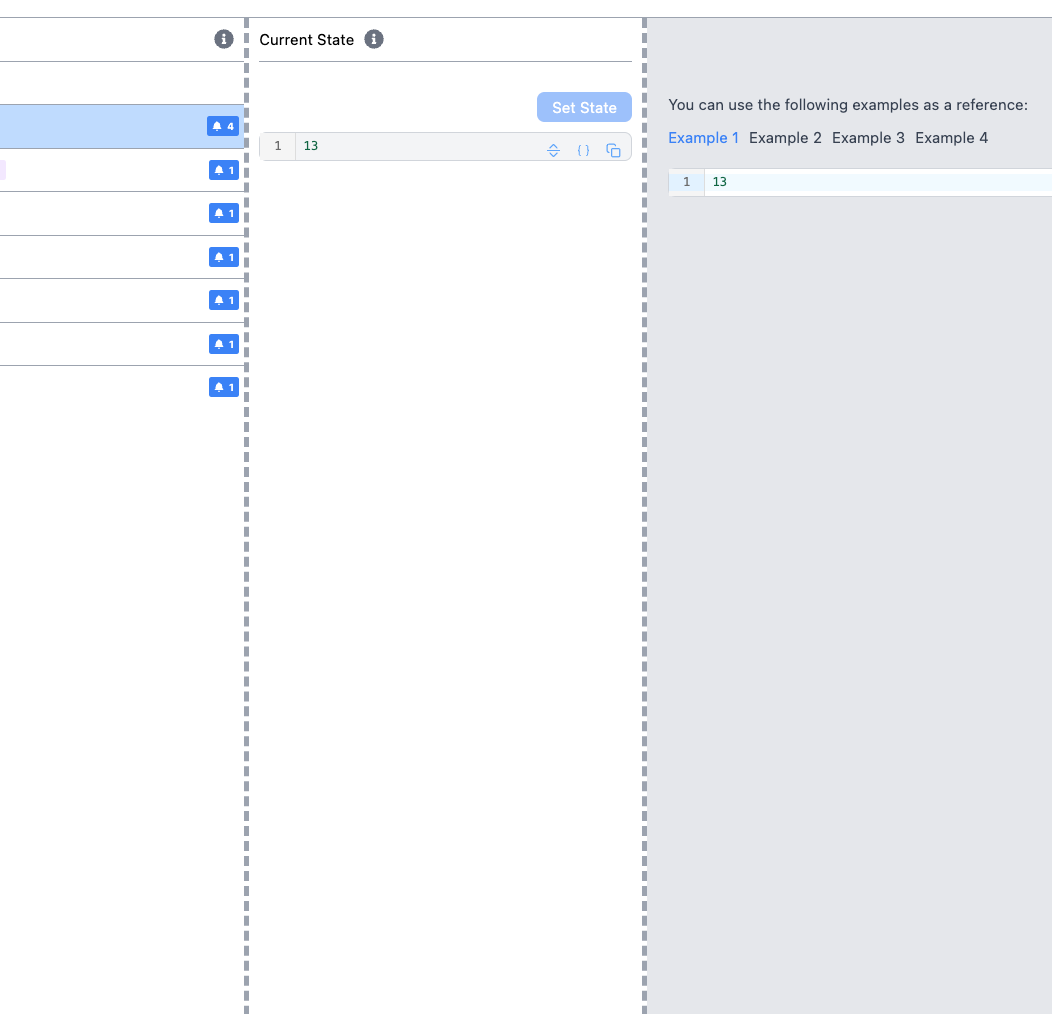
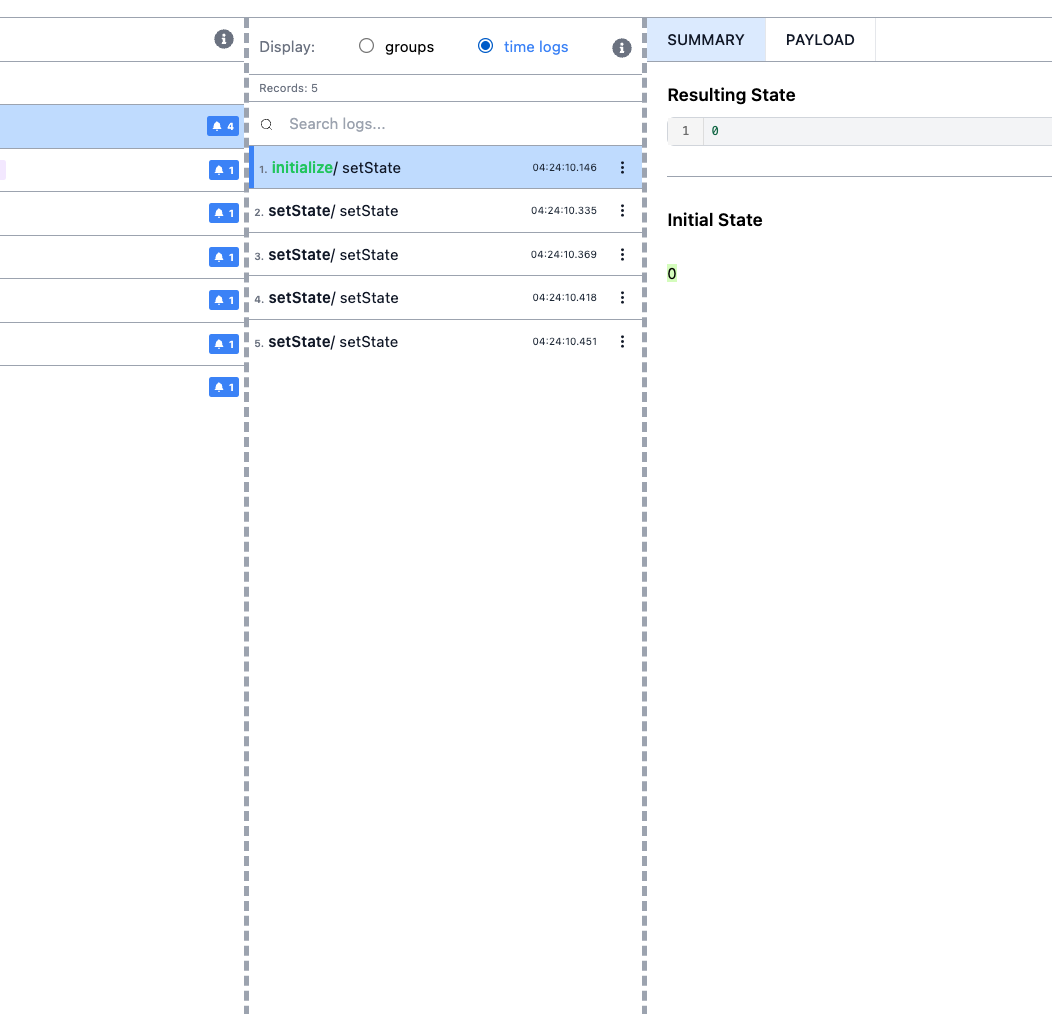
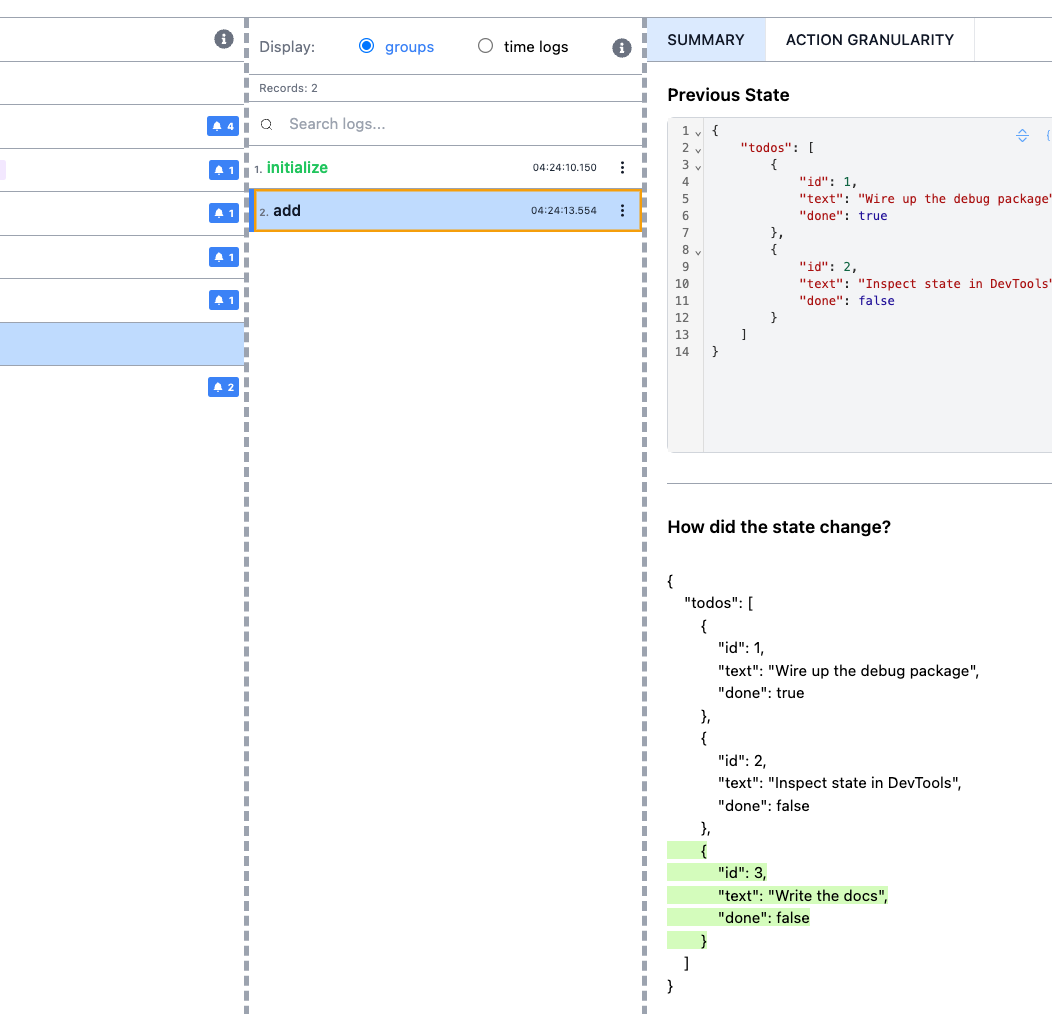
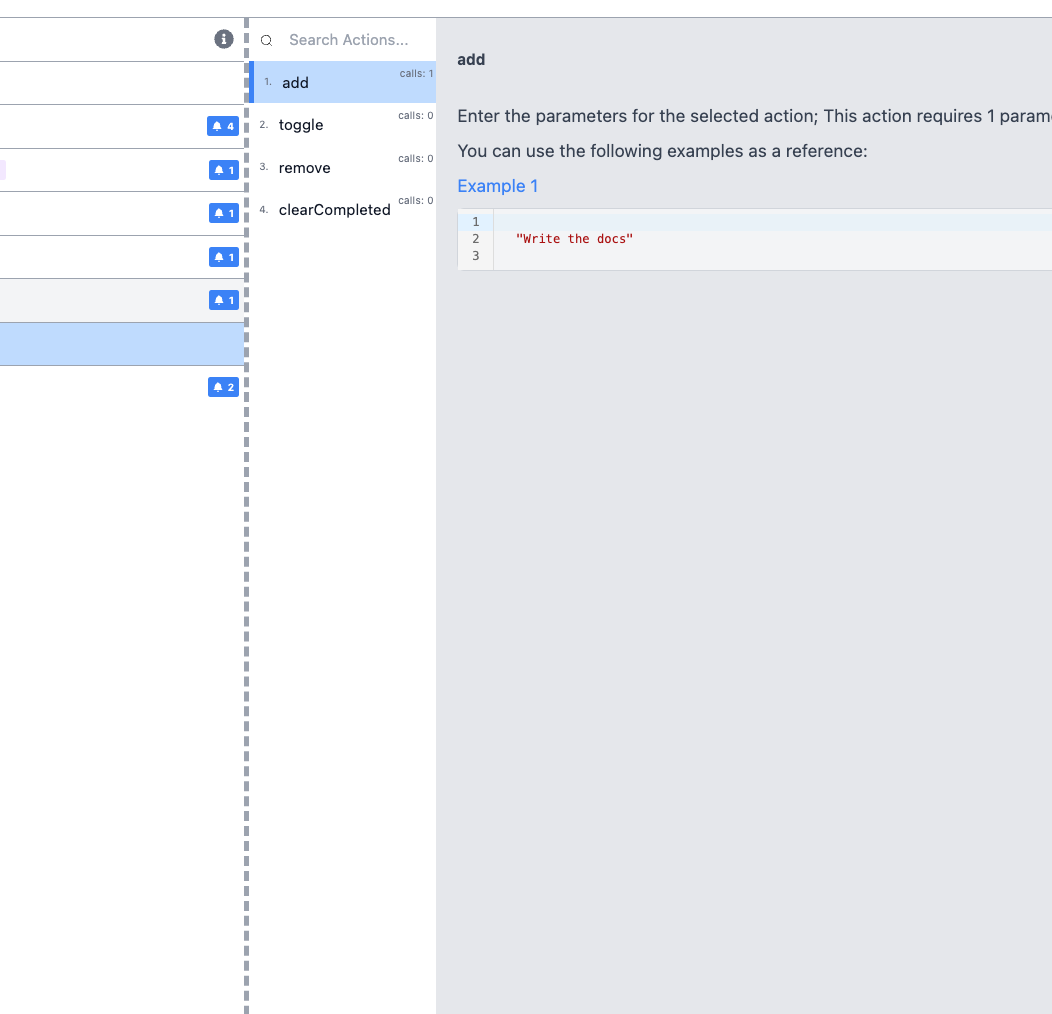
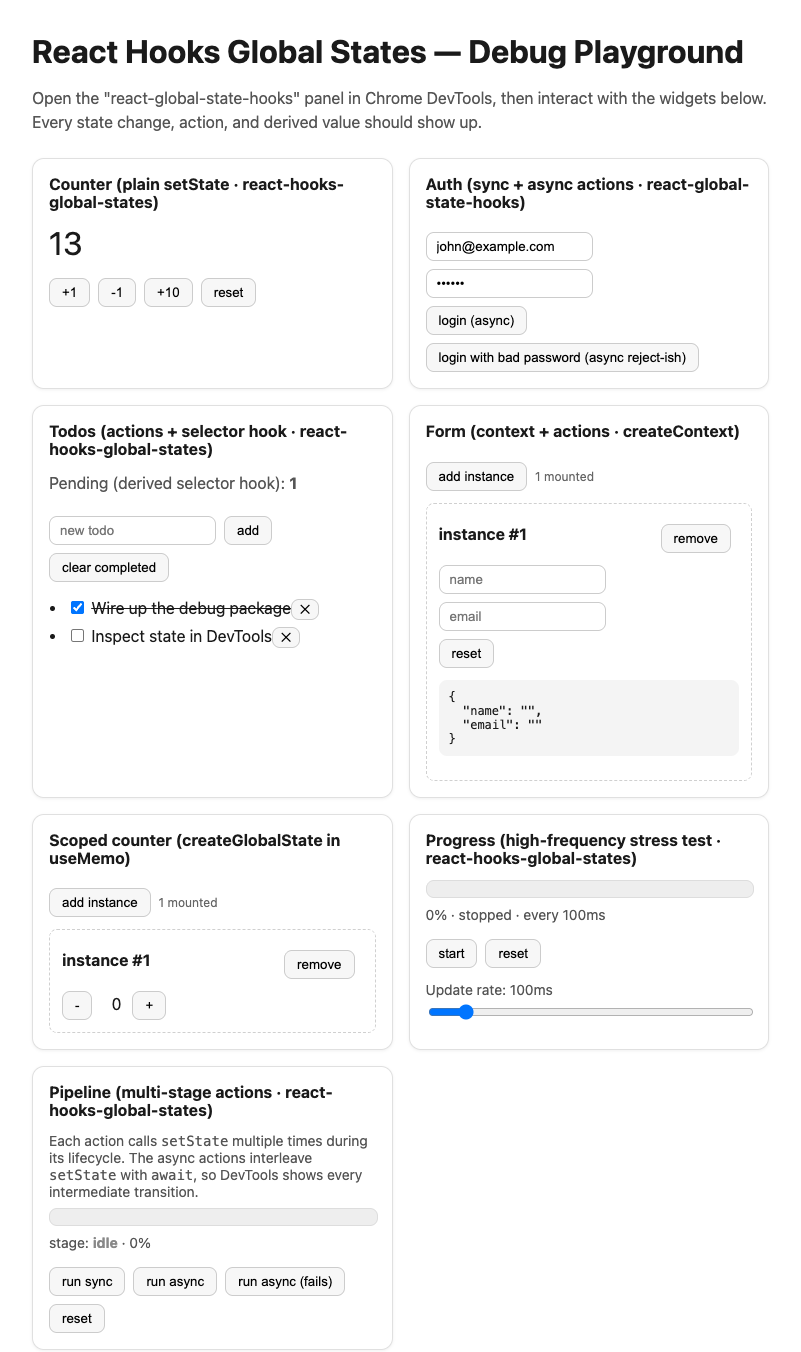
Captured from the live playground with the extension, in the light theme, against library version 16.0.4-beta.